Custom web tools, sites and integrations
Tools for catalogues, planning and the work between systems. Try an example, then send the task your team needs to finish.
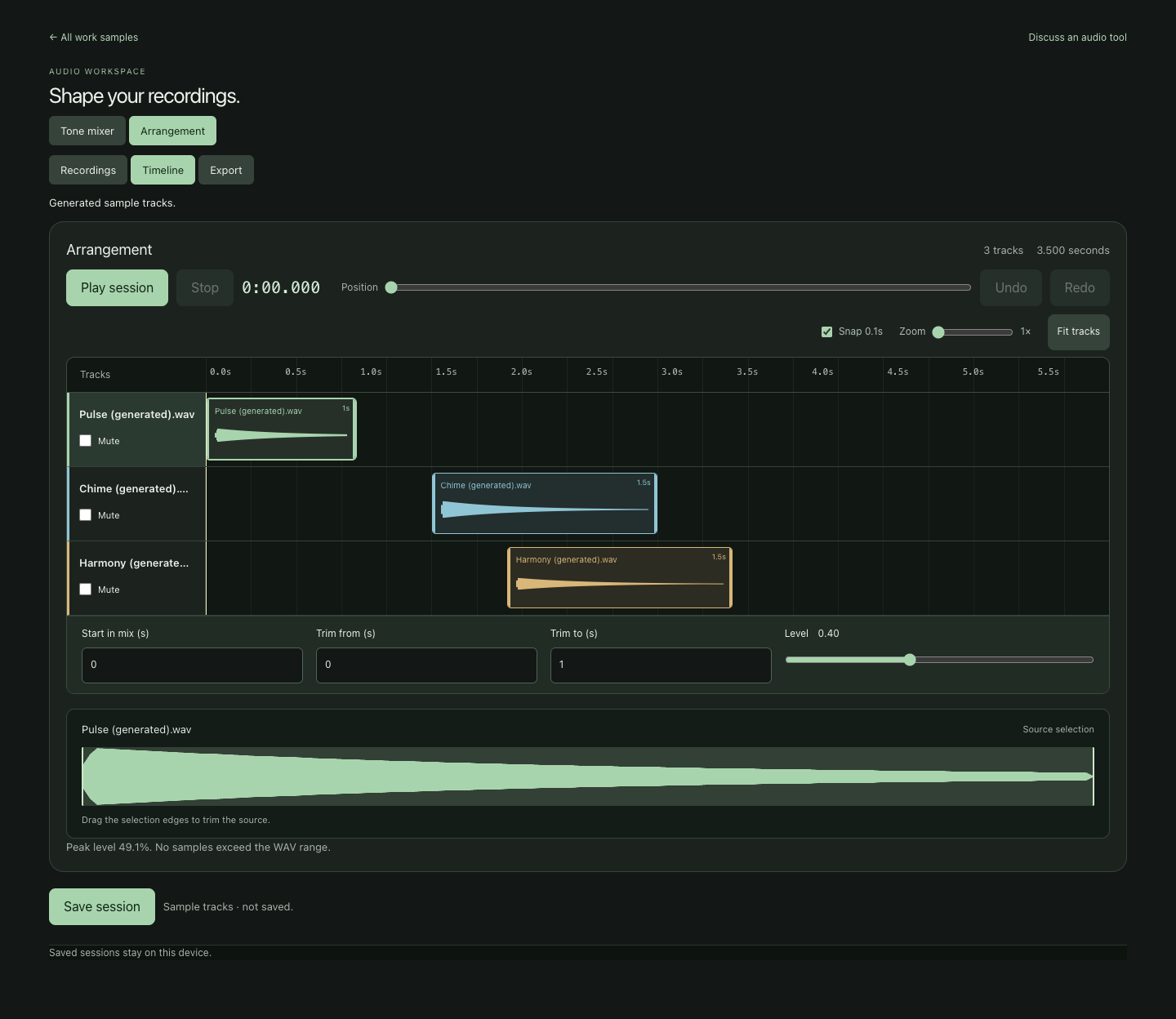
Try the work
These are Aurekai demonstrations using public or sample data. Open a tool to see how the work could fit your business.
Process simulator
Replay a real day of NYC 311 calls; find the staff that meets a waiting goal.
Open →Opportunity desk
Mark coverage of real RFP requirements, compare, prove, rank recurring needs.
Open →ITAD Acquisition Desk
Edit equipment manifests, compare lots and test purchase prices before preparing a buyer inquiry.
Open acquisition desk →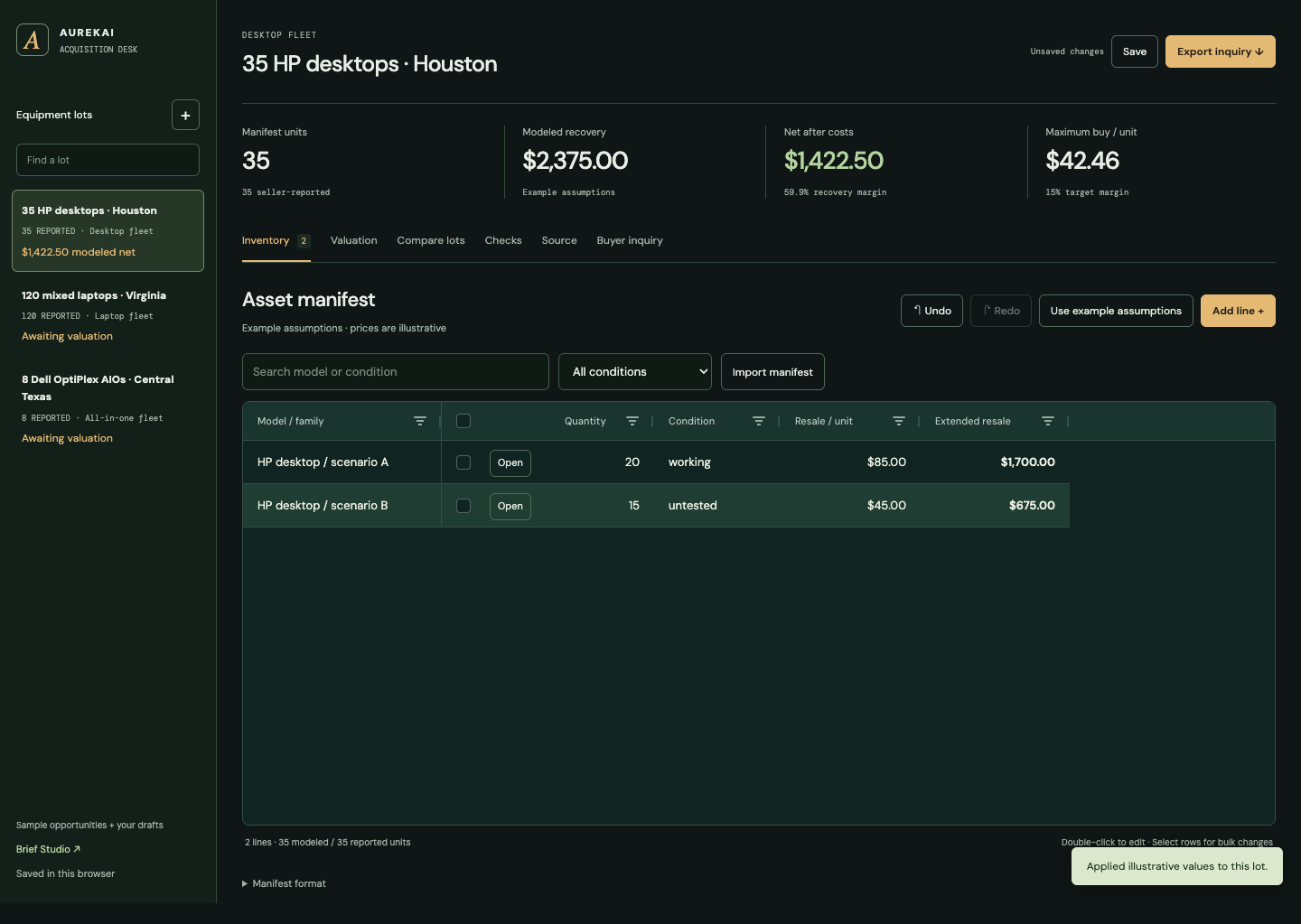
Acquisition Brief Studio
Build source-linked briefs, compare verification routes and prepare a recipient-specific recommendation.
Open brief studio →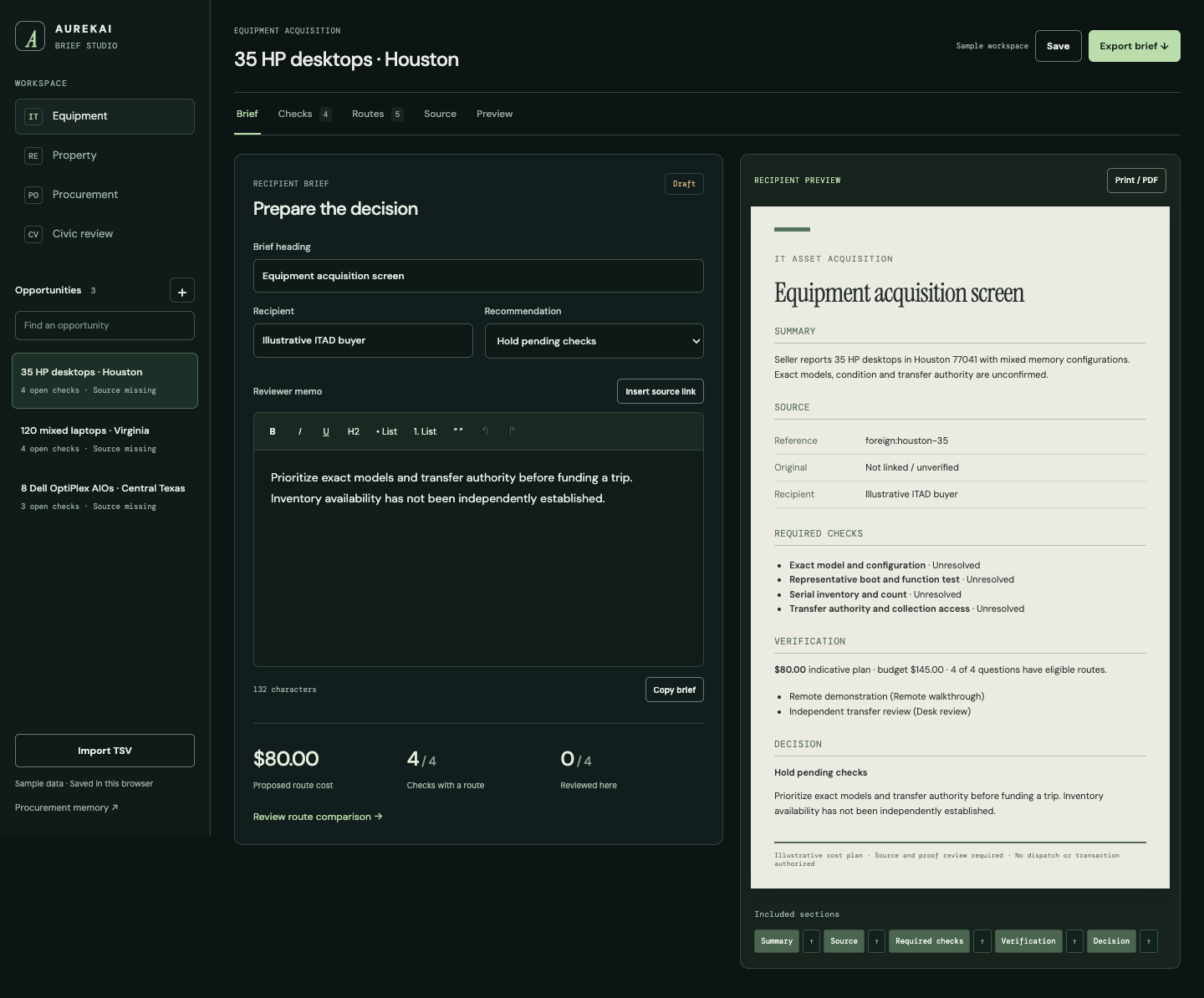
Sources and recurring programs
Build product selections, change one cycle without rewriting the recurring plan, and review source-price changes across selected programs. Open the same editor in an Aurekai destination for authorized shared work.
Open workspace →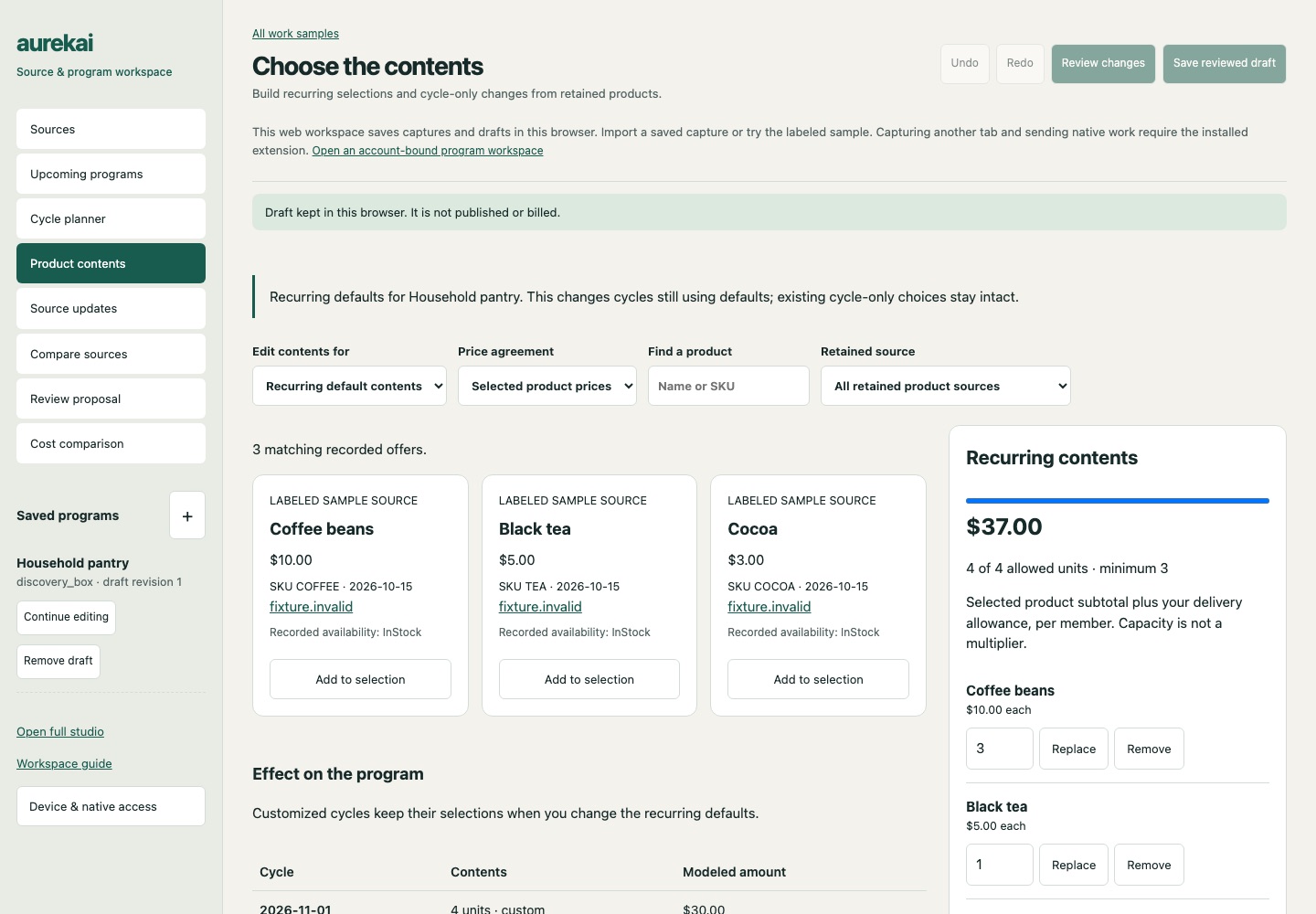
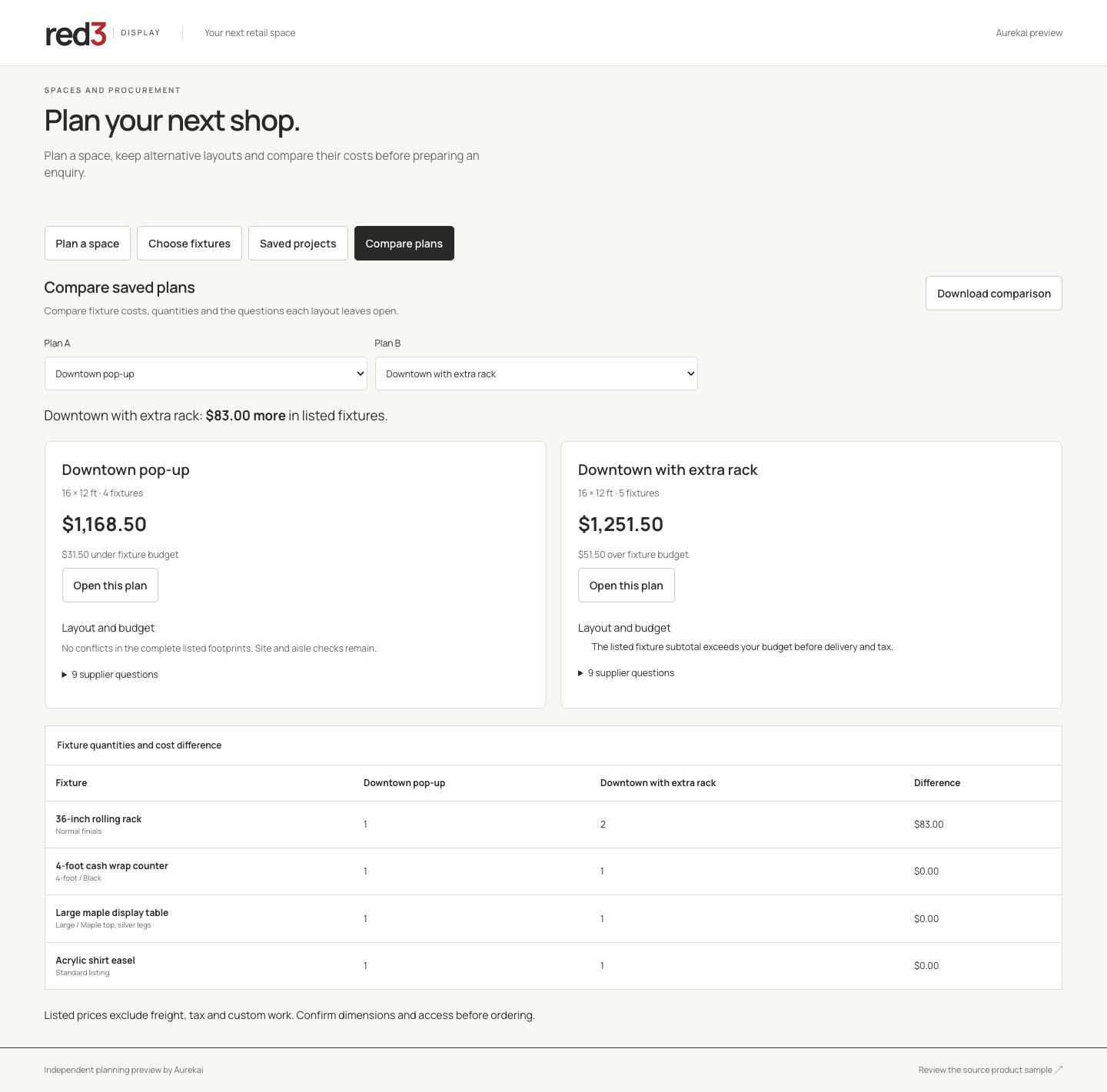
Retail space planner
Arrange fixtures, compare alternatives and prepare a supplier enquiry.
Open planner →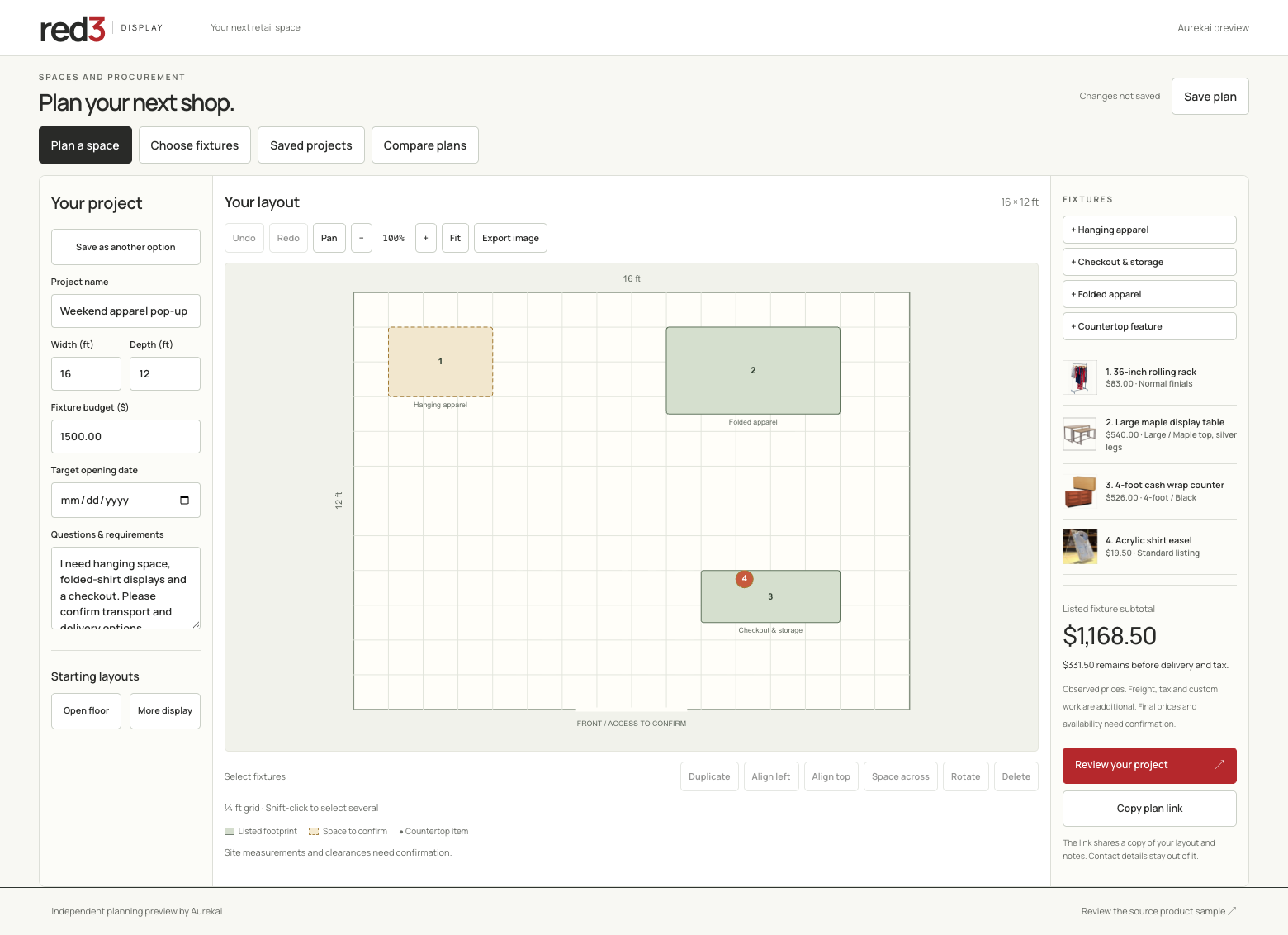
Catalogue workspace
Edit products in bulk, compare price changes and save drafts for review.
Open catalogue →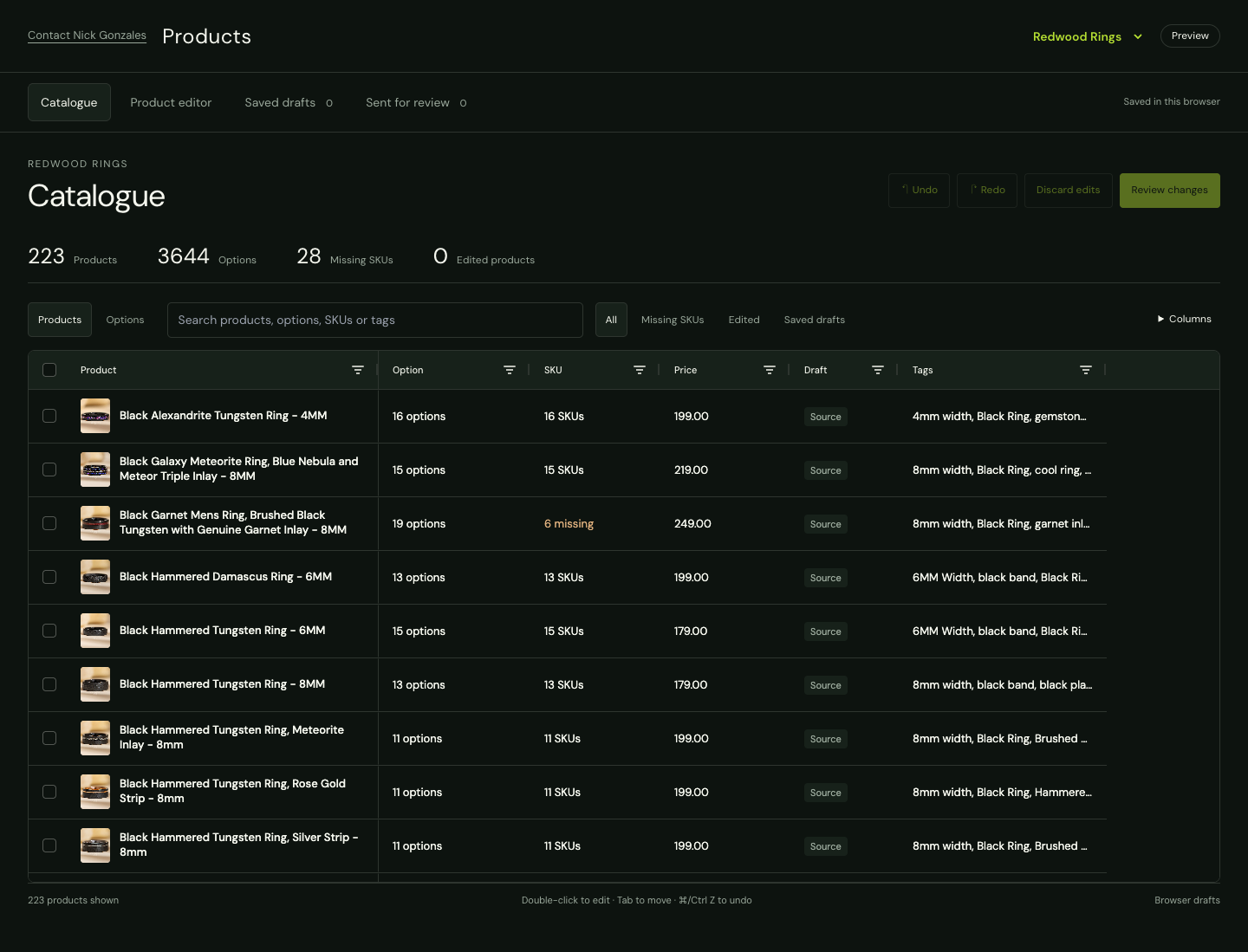
Shipment document check
Drop shipment photos and PDFs: duplicates found by content, each file matched to its shipment, missing delivery proofs listed, renamed copies to download.
Open the before and after →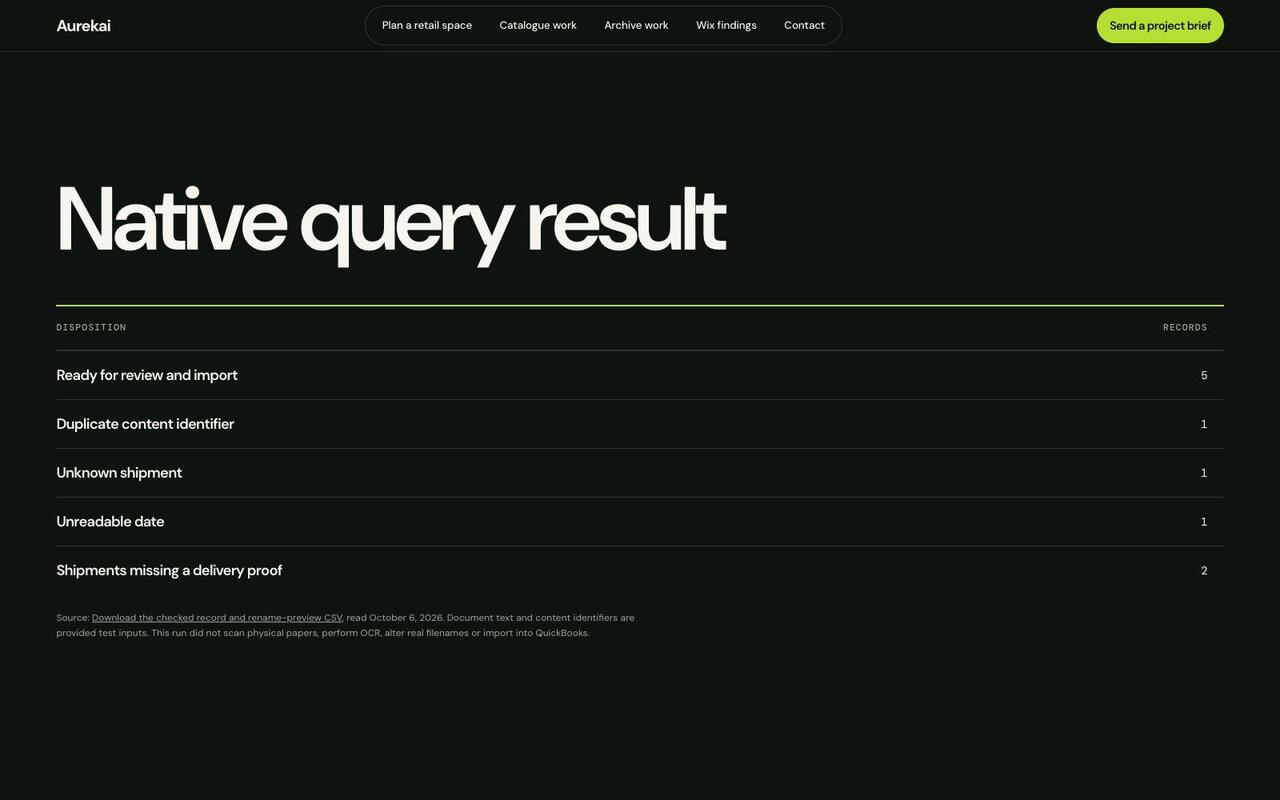
Sites and apps
Larger pieces built the same way. The three shop sites are live. The two apps run on your own computer or server, so each has a page that walks through it.
Three shops, three looks
A pottery studio, a bike workshop and a bakery. Each has its own name, pages, offers and contact form, and all three are run from one installation.
Visit the three sites →
A training app for a studio
Members follow a programme, log each set and keep going without a signal. Coaches answer requests and publish programmes under the studio’s own name and colours.
See the training app →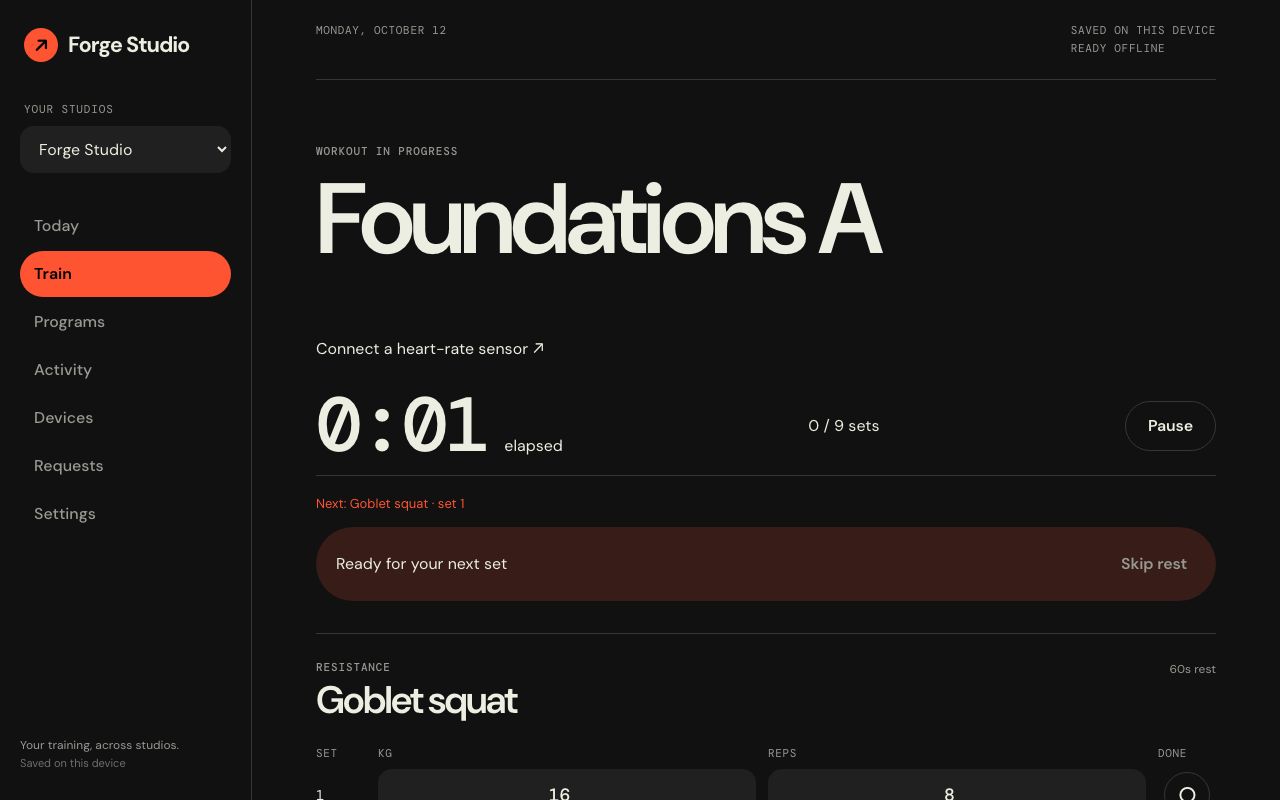
Search your own documents
Ask a question in plain words and get the paragraphs that answer it, each with its source. The documents stay on your computer.
See the document search →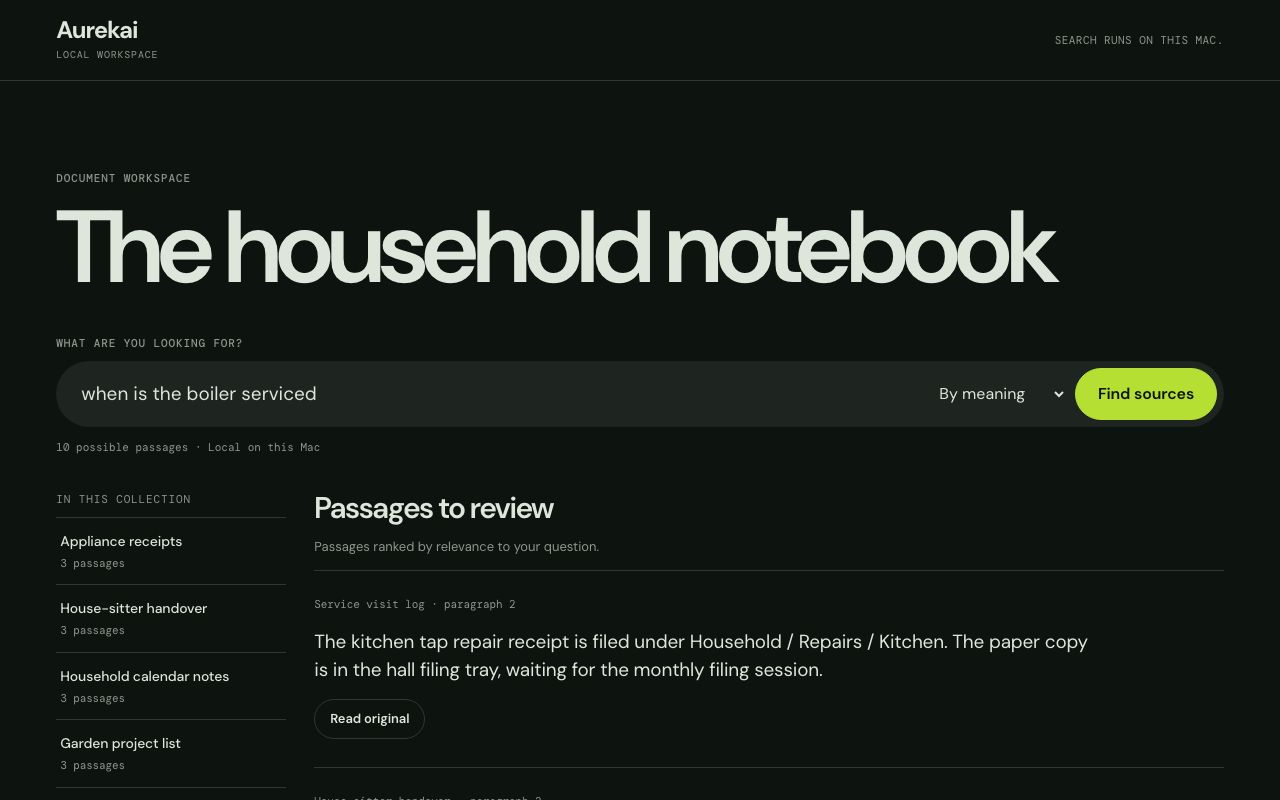
Software for your kind of business
Service networks, media and membership, community projects, property and repairs, supply and trade. What each would look like, and which guide shows the working part.
Read the product families →
Elite Accreditation website review
An independent review of a client's public Wix pages: what blocks search and enquiries, and what to change first.
Read the concrete findings →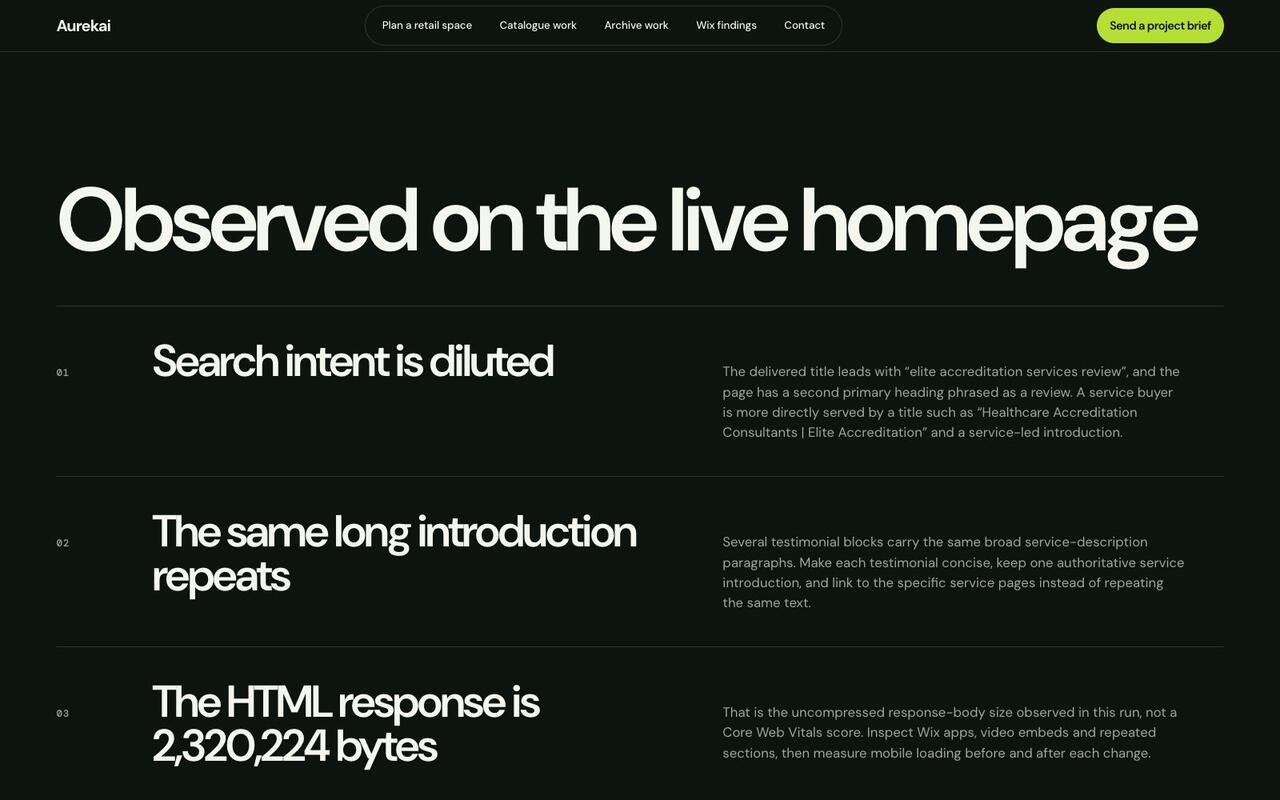
Guides for the applications and native system
Using sources and recurring programs
Product contents, cycle-only changes, multi-program source updates, and browser or native destination storage. Follow the actual save, conflict and continuation workflows.
Read the workspace guide →Native source reuse and Cloudflare work
Use the installed representation command, verify an exact source demand and understand the existing signed Cloudflare-to-native work bridge. Broader rollout and alternate-provider recovery remain separate.
Read the system guide →From a brief to something your team can use
Define the work
Tell me what needs to work, what you use today and any deadline. We can start with a free introductory call and agree the scope before discussing a price.
Try the implementation
Review the working feature with representative data. Check the main task and the cases that need a person’s attention.
Put it to work
Once the agreed checks pass, deploy to the agreed environment and hand over the code and operating instructions. Ongoing support can be scoped separately.